 Bilingualizer
Learn from the world around you.
Build your vocabulary, Practise hands-free, Completely offline.
Save words and phrases from books, signs, and conversations. Small hints help you work out the meaning. Listen again while you walk, do the dishes, or commute.
No account required.
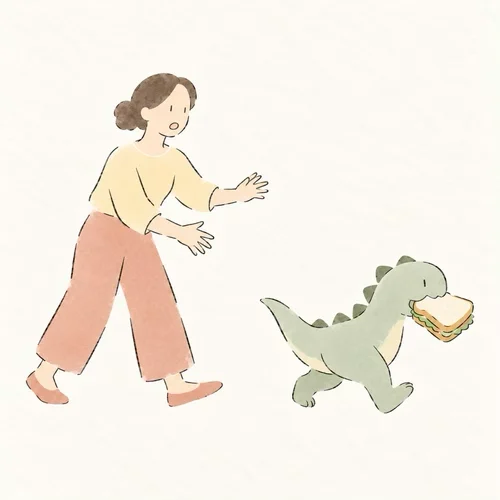 A baby dinosaur stole my sandwich.
Keep phrases you find in world around you
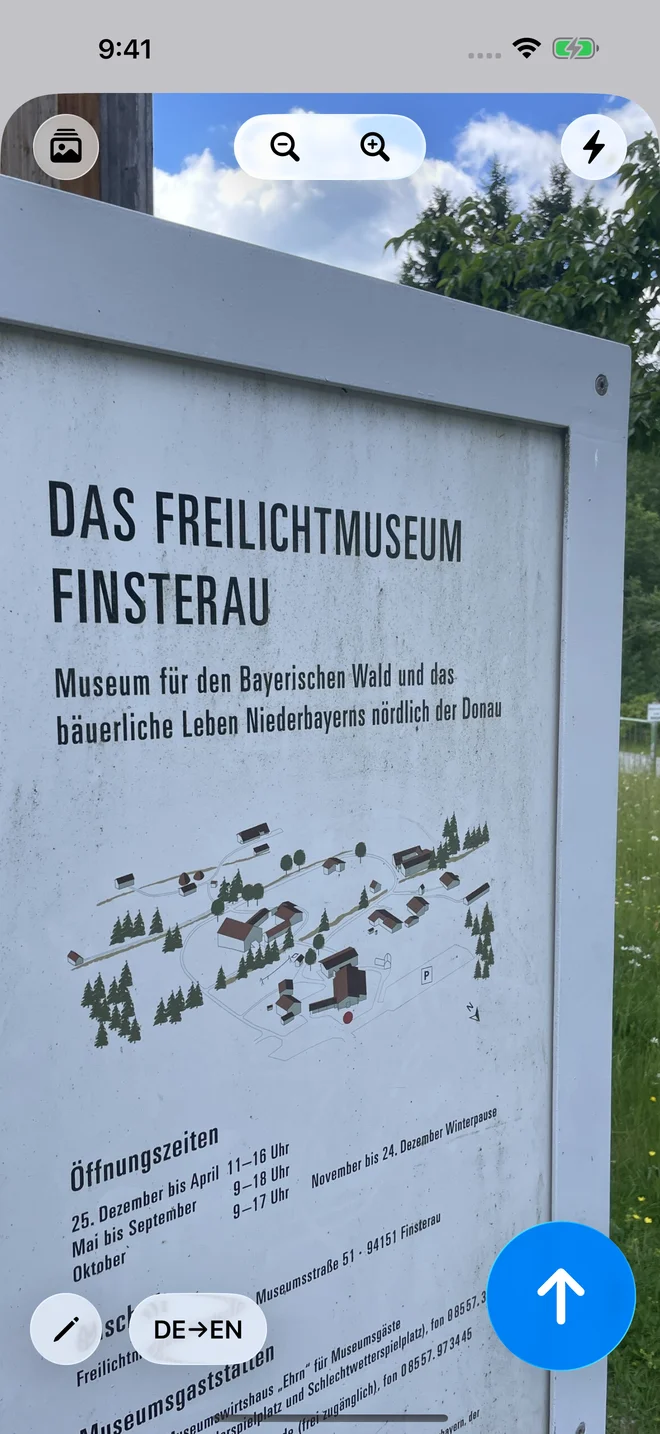
A line in a book. A sign on a trip. Something a friend just said. Turn language you notice into your own practice material with a photo, a voice recording, or a typed note.
Switch between typing, voice input, and photos in a tap. Bilingualizer remembers your last input method, so you can pick up where you left off.
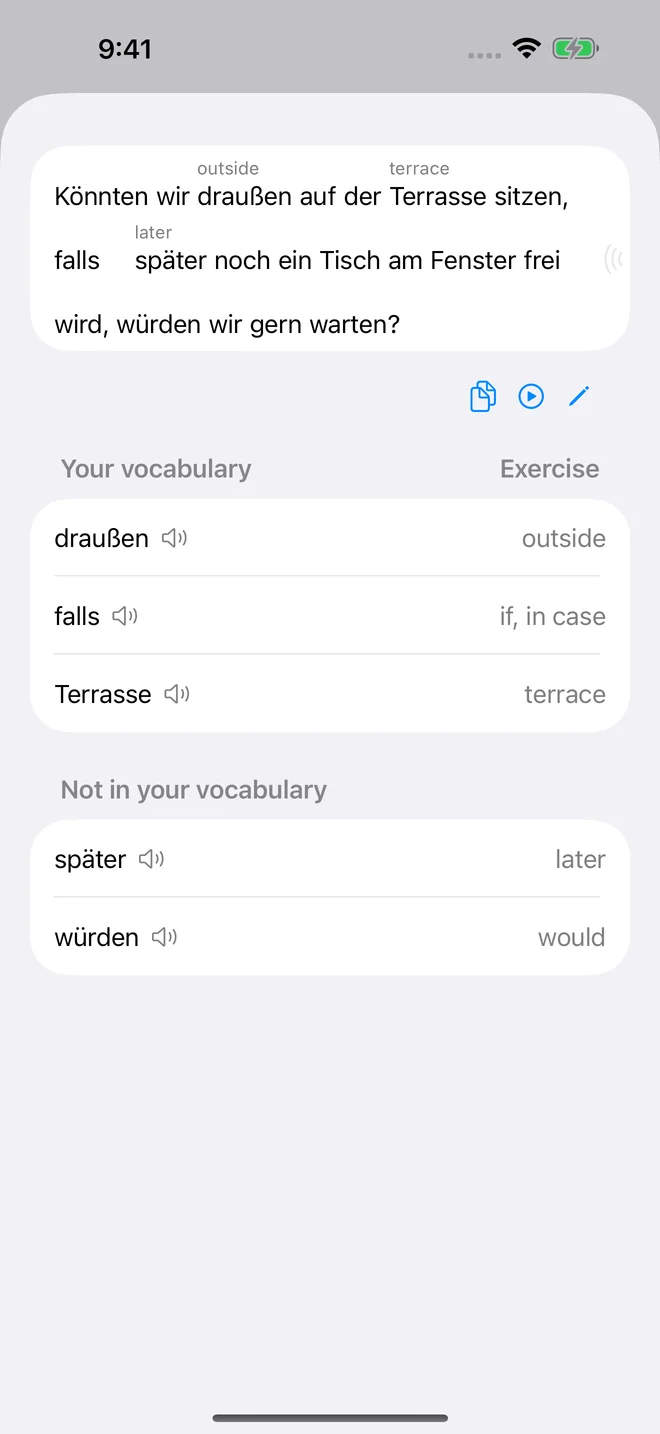
Word hints
Sometimes a small hint is enough.
Get short translation hints for unfamiliar words in your text. Use them to work out what the sentence means yourself, and reveal the full translation whenever you need more help.
Fits into your day
Hands busy. Ears free.
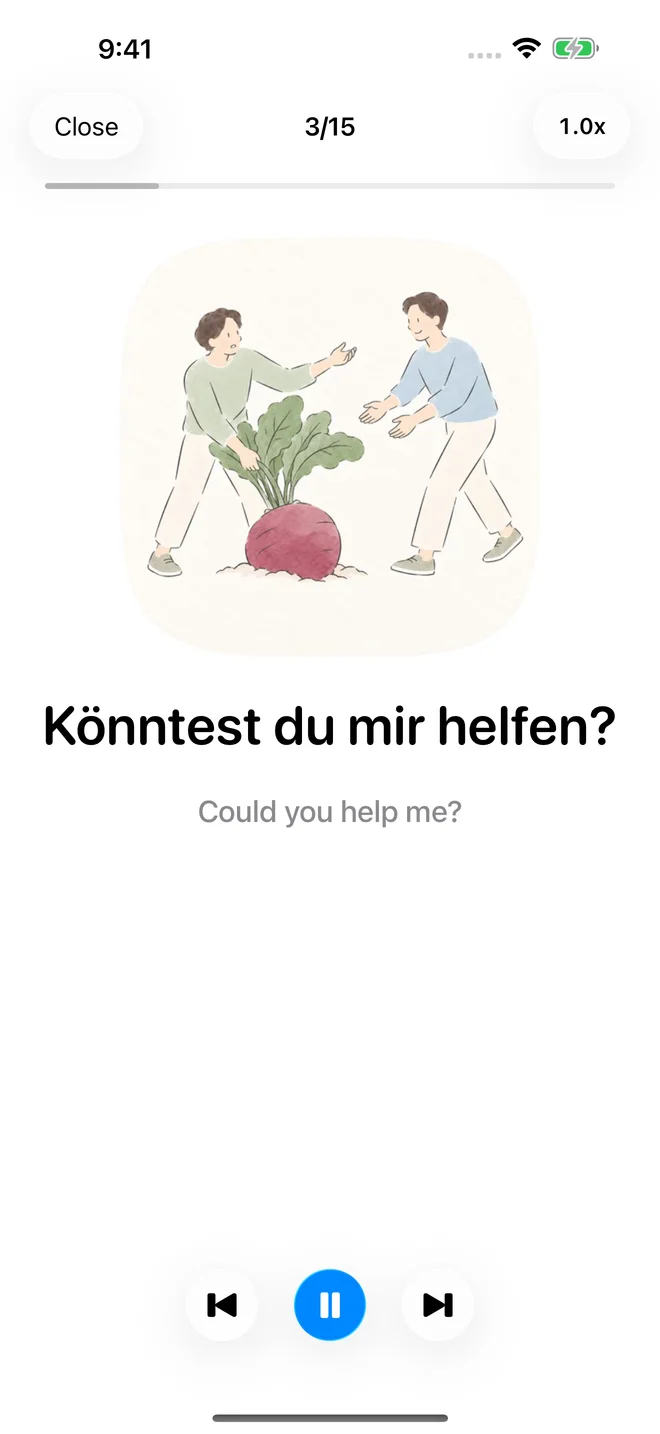
Listen to your saved words and phrases at your own pace. Build your vocabulary through repeated listening while you get on with your day.
- On a walk
- Doing the dishes
- On your commute
Listen again whenever it suits you, without setting aside time for another study session.
A place to begin
Useful phrases. A few funny ones.
Start with free illustrated phrases—from everyday essentials to something that makes you smile. Then add language from your own life.
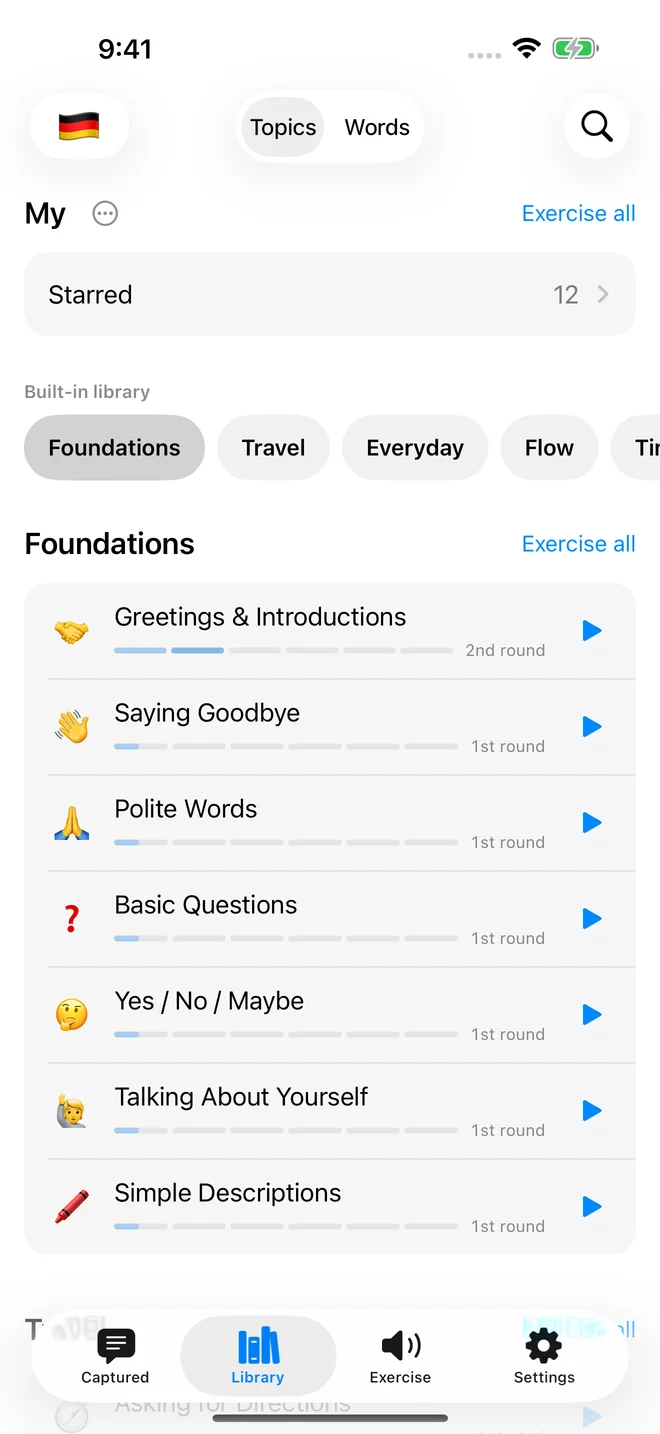

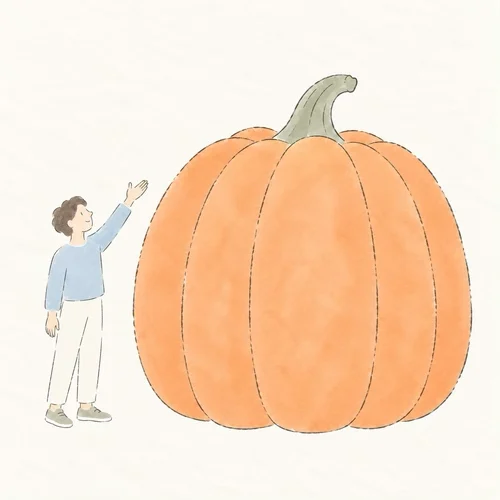

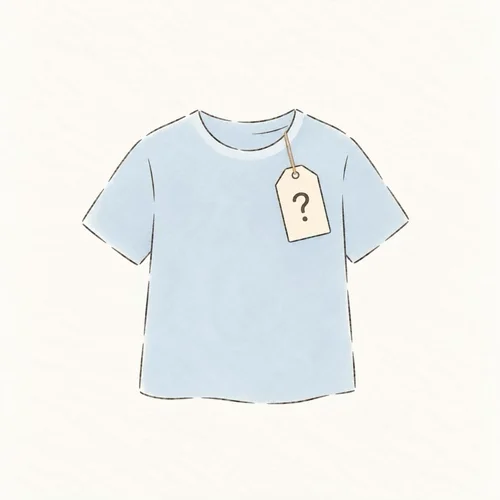
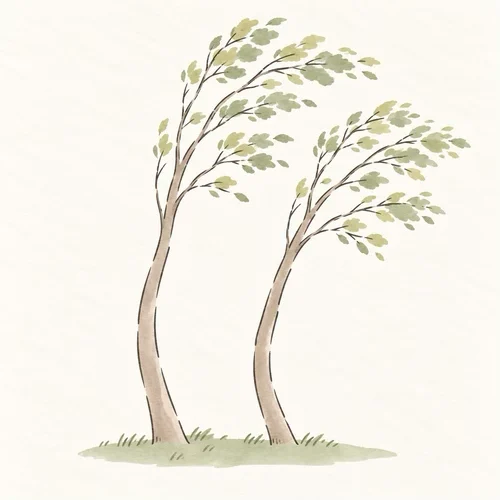
Learning more than one language? Switch between them in the library. The example phrases help you get started; your own phrases make it personal.
Offline & private
Capture, translate, and practise offline.
Download the translation models you need, choose a voice, and take your practice with you. After setup, you can capture text, translate, and listen offline on supported devices and in supported languages.
Your phrases stay on your device
Your saved phrases and practice history stay on your device. Bilingualizer currently has no cloud sync of its own. Your device’s system backups may include app data.
Download your languages first
Translation models need a one-time download. You can download additional voices in your Apple device’s settings. Voice input requires on-device speech recognition for your chosen language.
Use it without an account
Open the app and start saving words and phrases. No registration and no third-party advertising.
Language and feature availability depend on your Apple device, system version, and installed language support. Read the privacy details. Privacy ↗
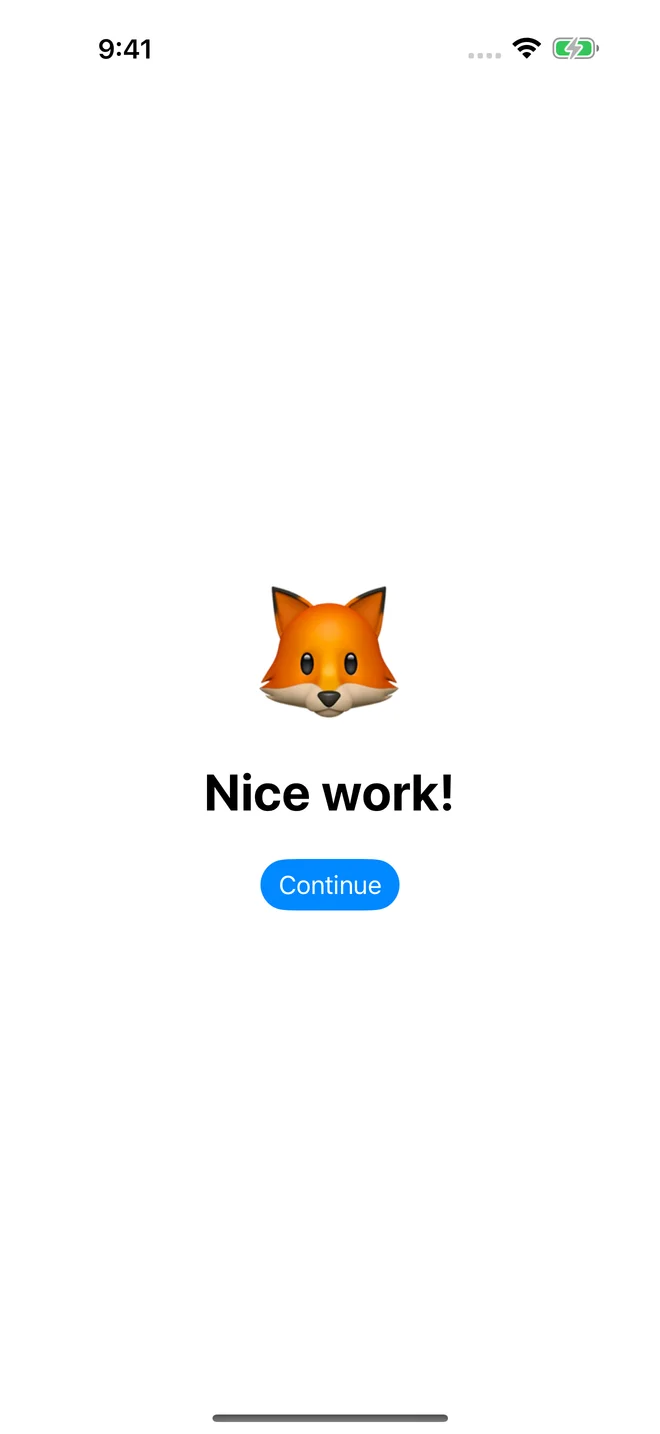
Session rewards
A little reward for showing up.
Finish a practice session to reveal an emoji reward. A small, cheerful way to mark the time you spent learning.
Common questions
What can I try for free?
You can currently use the illustrated phrase library and capture and practise your own words and phrases for free. The offer and pricing may change in the future.
What works offline?
Core capture, on-device translation, and listening practice work after the required language resources are installed. Download models before going offline. Voice recognition and individual language pairs depend on device support.
Which languages can I use?
The interface is available in English, German, Spanish, French, Italian, and Polish. Learning and translation options are separate: check the app’s language setup for supported pairs on your device.
Can I practise my own words and phrases?
Yes. Take a photo of text, say it aloud, or type it. Save words and phrases from your daily life and listen to them in your own practice sessions. Built-in phrases help you get started.
Which devices does it run on?
Bilingualizer is designed for iPhone and iPad with iOS or iPadOS 26 or later.
Inspired by learning German.
Hi, I’m Ondřej. I started Bilingualizer because I wanted to keep reading books in German without stopping for a full translation every few lines. Often, a small hint was all I needed. I also wanted to repeat those phrases later, hands-free, while doing other things.
Say hello or share an idea ↗Bilingualizer
Practise the language around you.
Start with a phrase you found. Or one about a dinosaur that stole your sandwich.
Download on the App StoreiPhone & iPad · iOS 26+